Decoder CW, DC 7-12V 500mA Display a LED Lettore di Codici Morse Traduttore con Funzione di Ricarica Ham Radio Essential CW Decoder

Brand:

2.3/5;

38.36

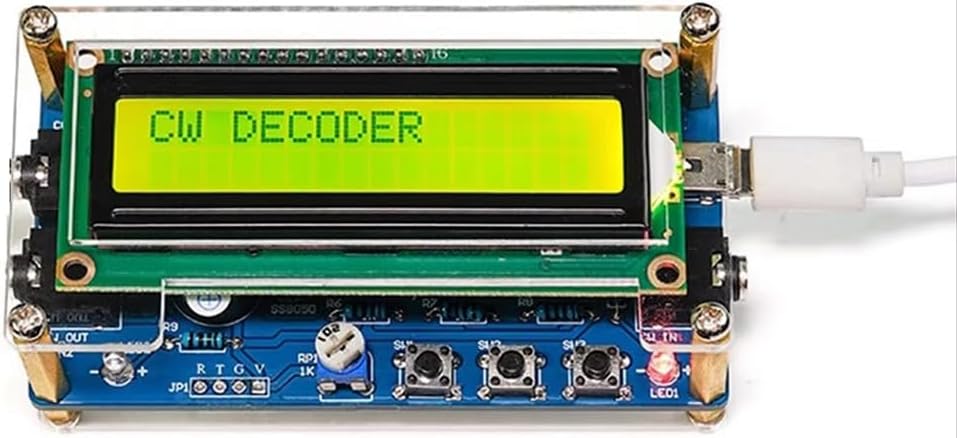
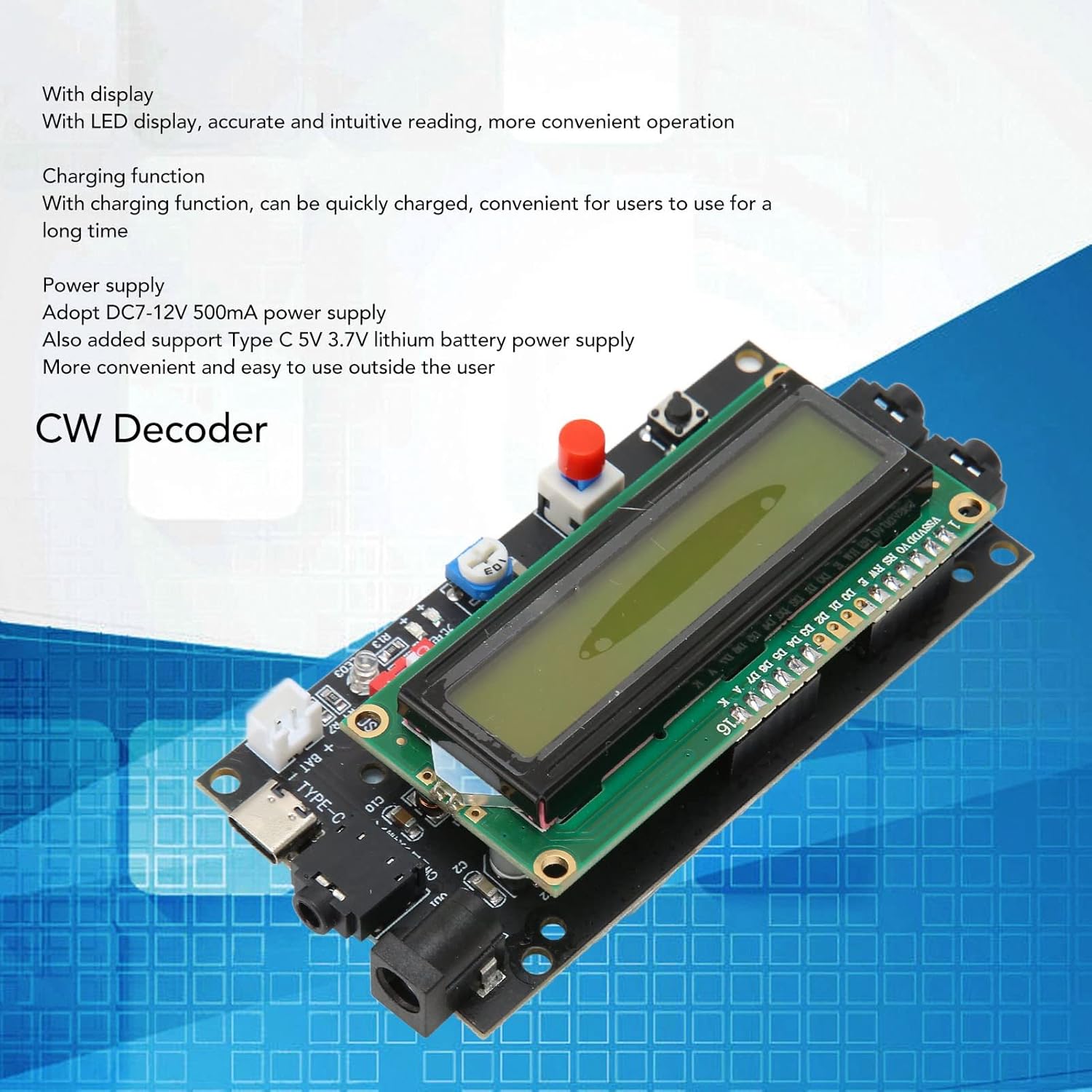
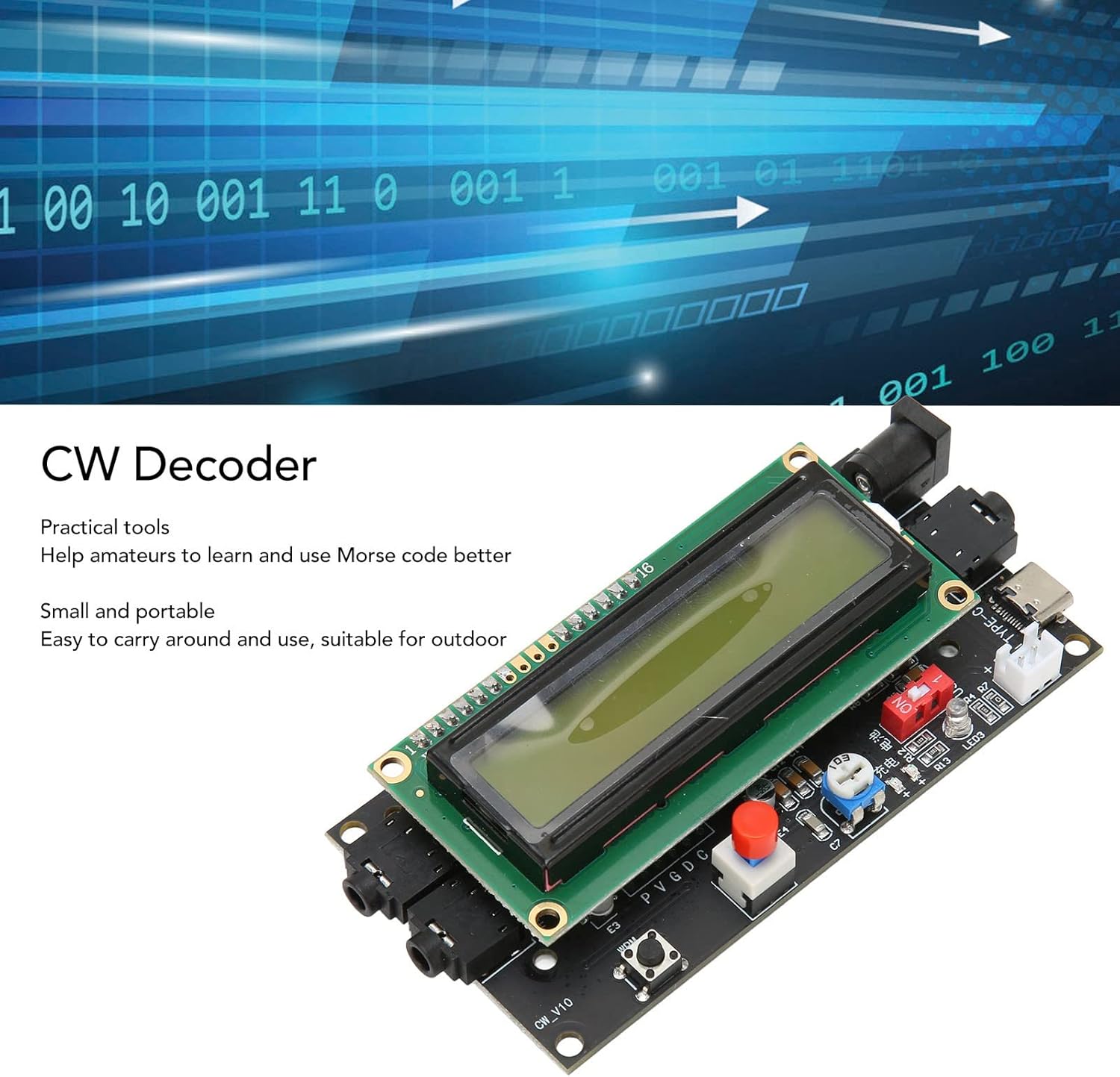
FUNZIONE DI RICARICA: il decoder CW è dotato di una funzione di ricarica, che può essere caricata rapidamente ed è conveniente per gli utenti da utilizzare a lungo. CON DISPLAY: decoder CW essenziale per radioamatori con display a LED, lettura accurata e intuitiva, funzionamento più conveniente. PICCOLO E PORTATILE: decodificatore di codice Morse di piccole dimensioni e leggero, non occupa spazio, facile da trasportare e utilizzare, adatto per esterni. STRUMENTO PRATICO: il traduttore del lettore di codice Morse è strumento molto pratico che può aiutare gli appassionati di radioamatori a imparare e utilizzare meglio il codice Morse. ALIMENTAZIONE: il lettore di codice Morse utilizza l'alimentazione DC7‑12V 500mA e aggiunge anche il supporto per l'alimentazione della batteria al litio di tipo C 5V 3,7V.

1. CON DISPLAY: decoder CW essenziale per radioamatori con display a LED, lettura accurata e intuitiva, funzionamento più conveniente. 2. FUNZIONE DI RICARICA: il decodificatore CW è dotato di una funzione di ricarica, che può essere caricata rapidamente ed è conveniente per gli utenti da utilizzare a lungo. 3. ALIMENTAZIONE: il lettore di codice Morse utilizza l'alimentazione DC7‑12V 500mA e aggiunge anche il supporto per l'alimentazione con batteria al litio di tipo C 5V 3,7V. 4. STRUMENTO PRATICO: il traduttore del lettore di codice Morse è strumento molto pratico che può aiutare gli appassionati di radioamatori a imparare e utilizzare meglio il codice Morse. 5. PICCOLO E PORTATILE: decodificatore di codice Morse di piccole dimensioni e leggero, non occupa spazio, facile da trasportare e utilizzare, adatto per esterni. Specifiche: Tipo di articolo: decodificatore CW Materiale: PCB Alimentazione: DC 7-12V, 500mA Come usare: Fai da te, installazione e utilizzo Lista dei pacchetti: 1 decodificatore CW
Aggiornamenti software garantiti fino a ‎sconosciuto
Dimensioni prodotto ‎13 x 6 x 4 cm; 105 grammi
Marca ‎ciciglow
Modello ‎ciciglowtqe083fbah
Nome modello ‎ciciglowtqe083fbah
Numero articolo ‎ciciglowtqe083fbah
Numero modello articolo ‎ciciglowtqe083fbah
Peso articolo ‎105 g
Pile/batterie richieste ‎No
Produttore ‎ciciglow

2.3

6 Review
5 Star
38
4 Star
0
3 Star
30
2 Star
21
1 Star
11

Scrivi la tua recensione

La tua mail non sarà pubblicata. Tutti i campi obbligatori sono segnati con*

Scritto da:
Scritto da: Michael H
It works if you know how to use it (with some limitations)
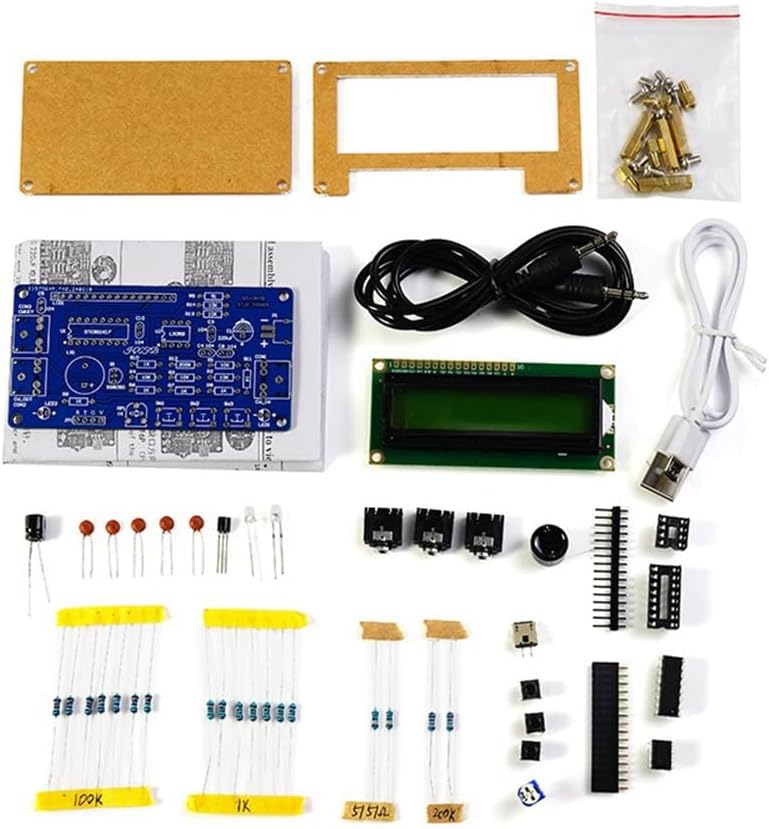
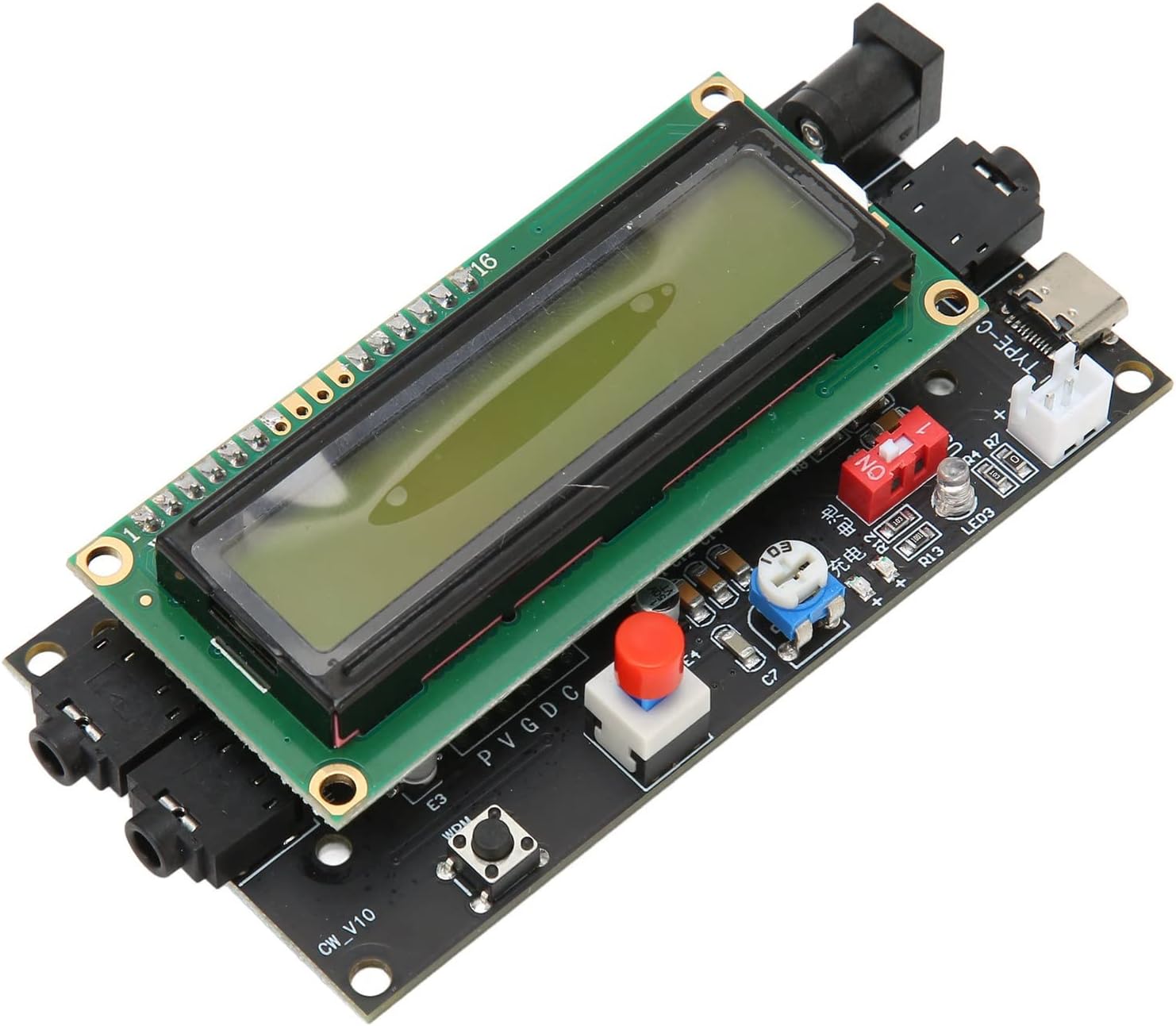
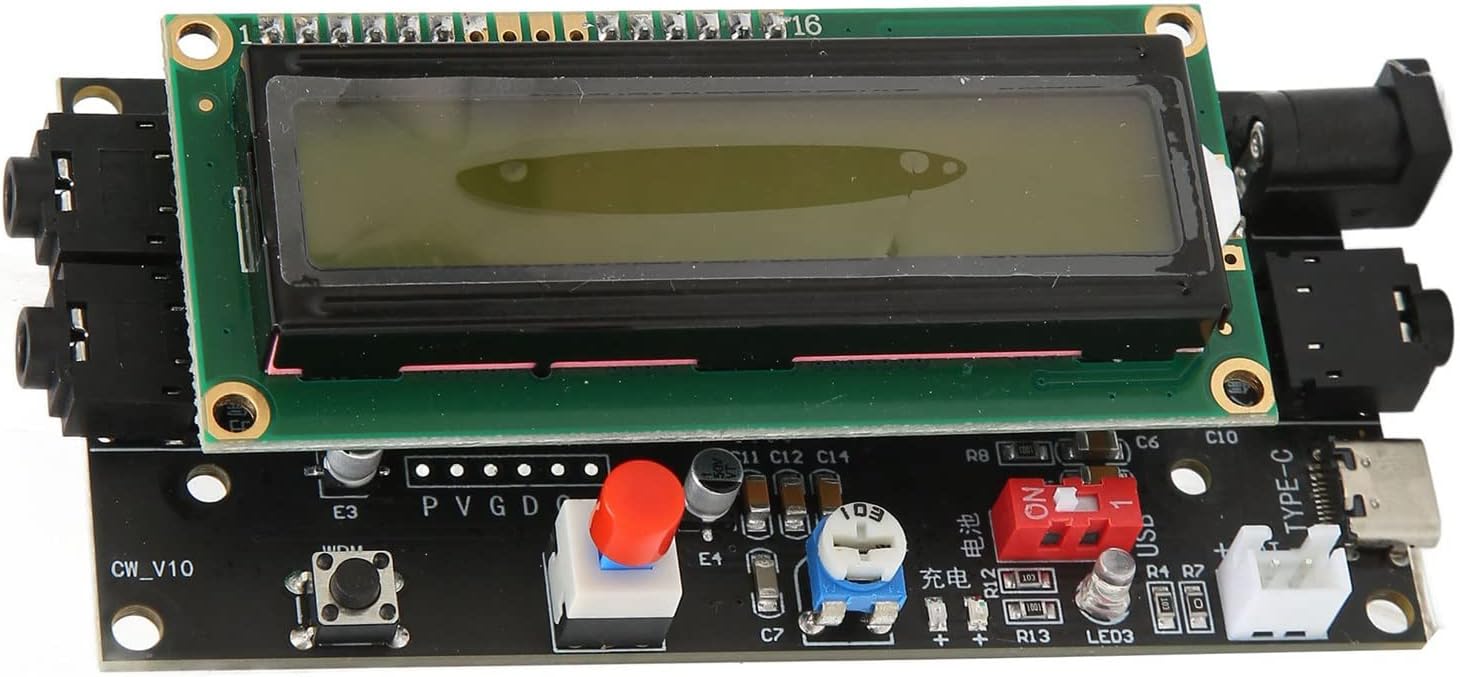
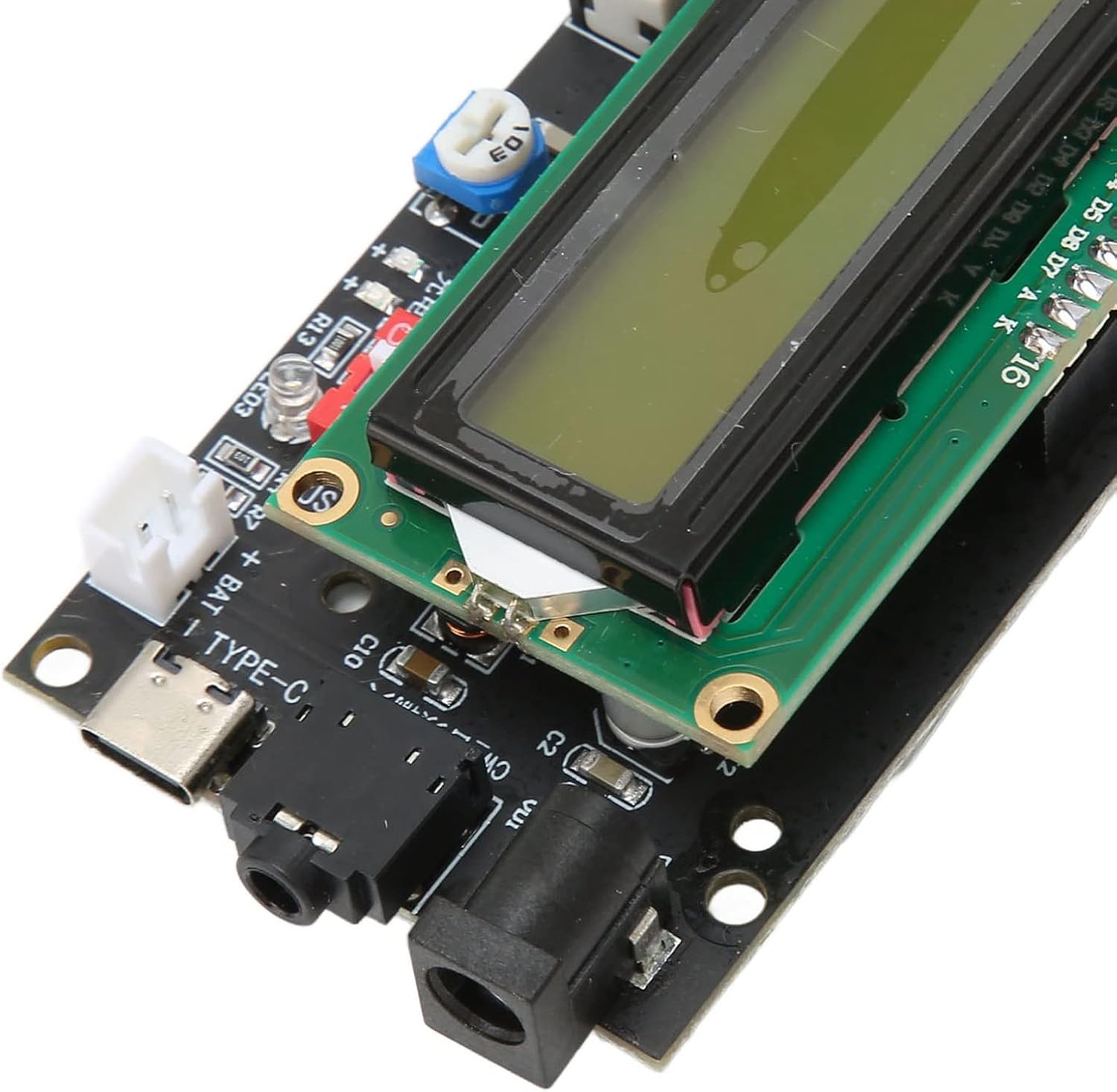
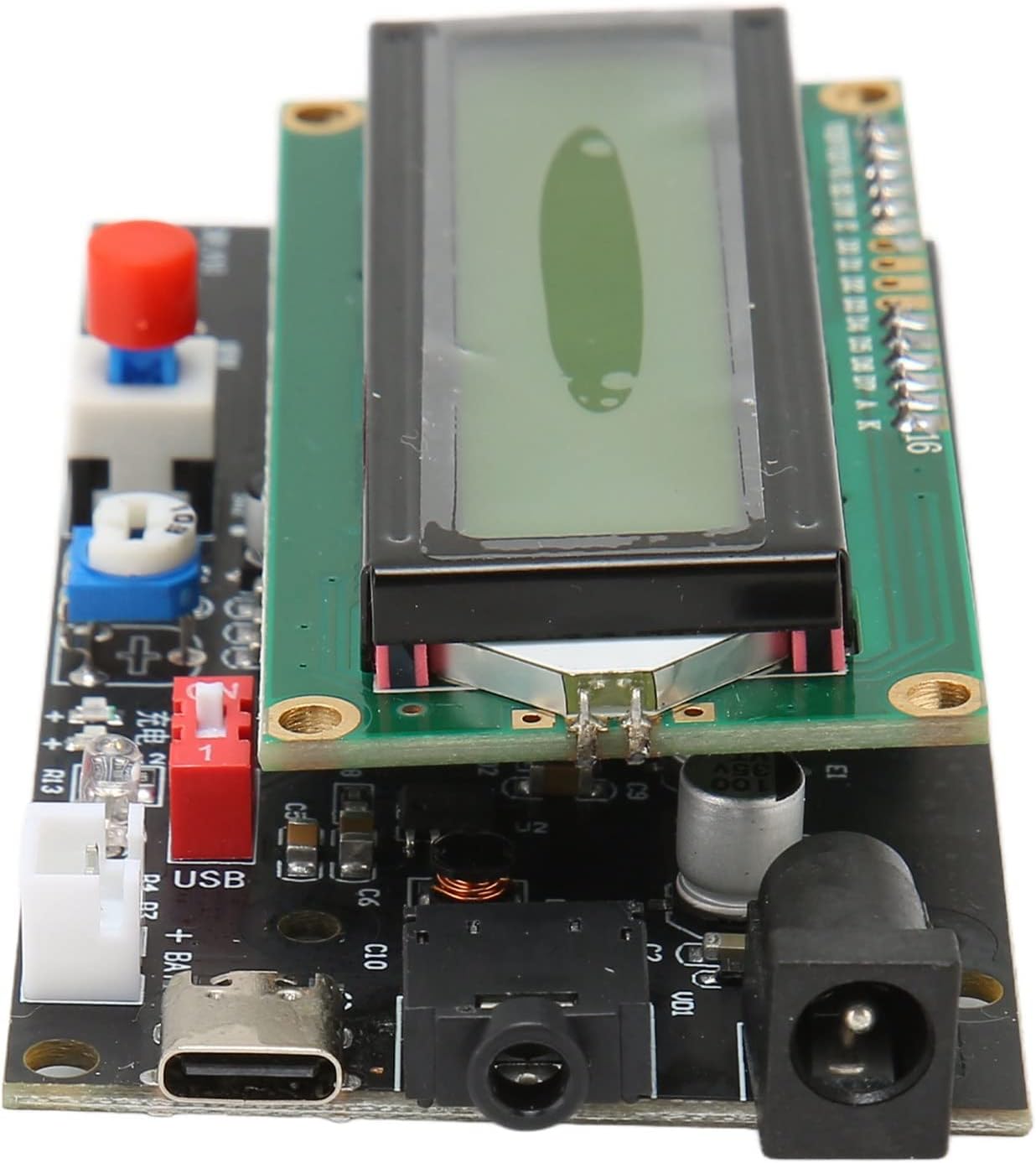
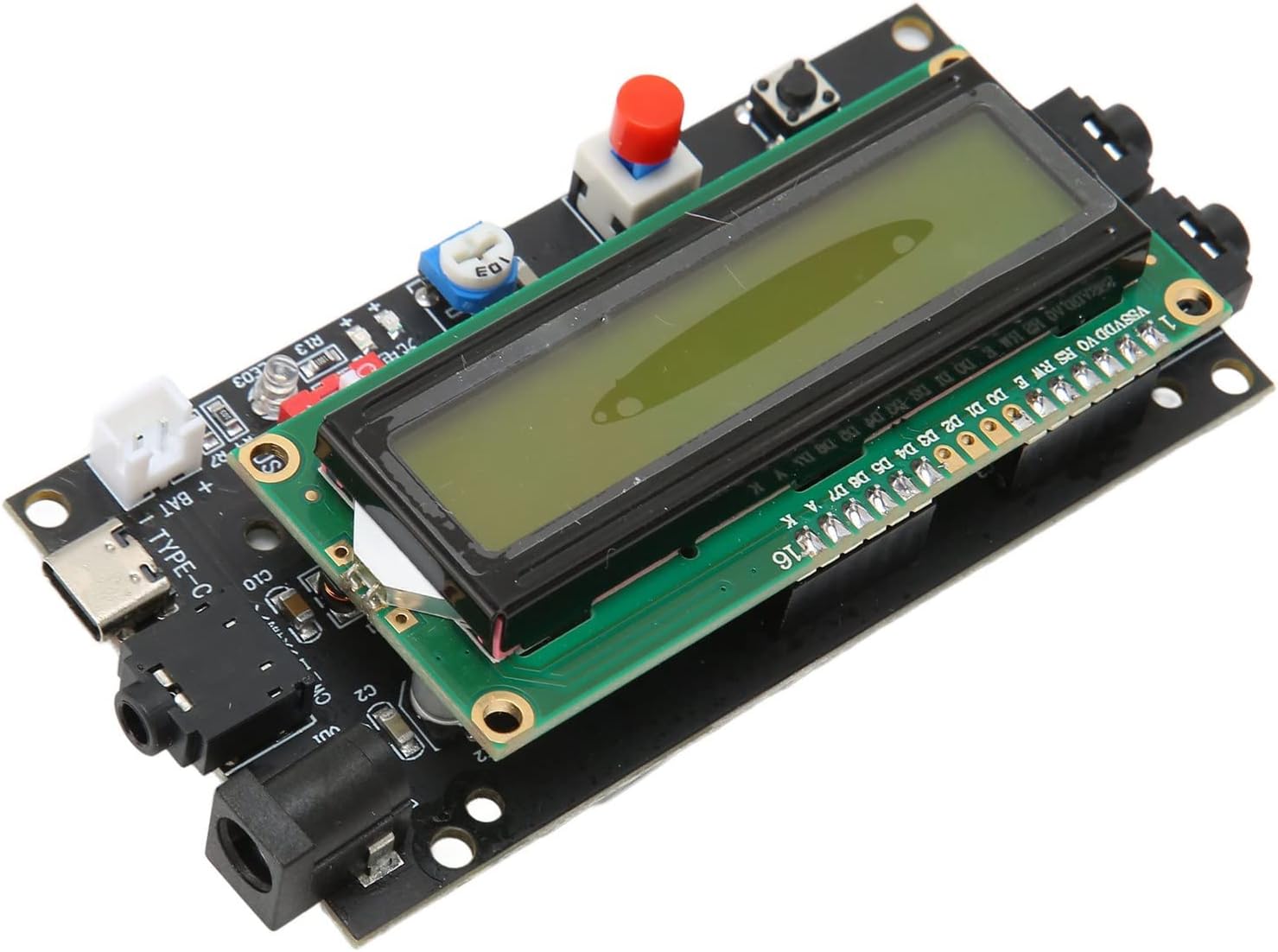
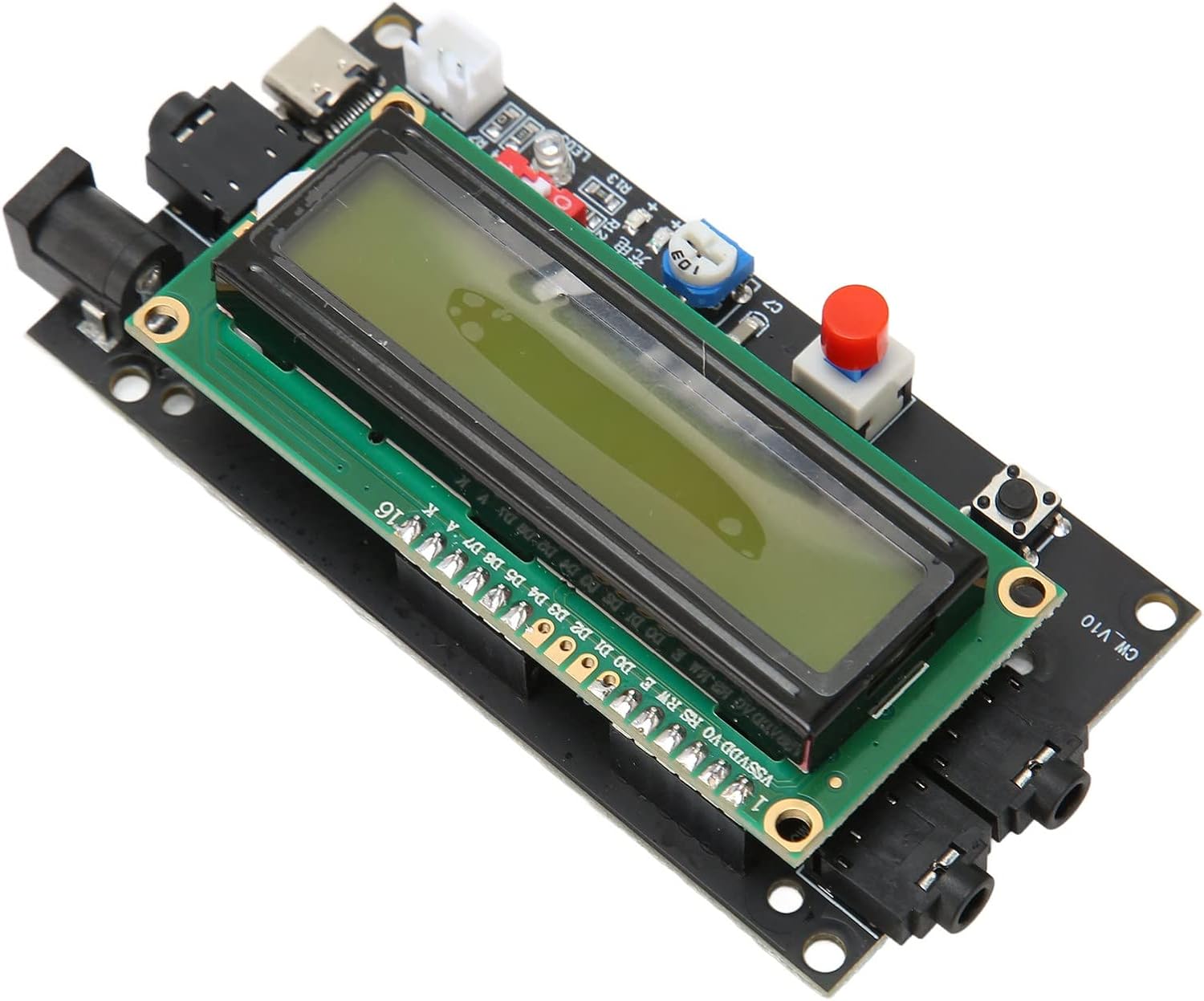
Having the intention to introduce my grandson to Morse code, I installed the Arduino UNO with the code from ThinkerCad Morse-decode-encode. From China I ordered a cheap educational toy transmitter receiver. Thus it would be nice to attach to the receiver a CW decoder. It took me some time to figure out how this device works (no documentation was added). So I am sharing my experience and hopefully it helps you. There is a barrel power connector marked 9V and a USB-C connector - functions are obvious. The potentiometer RP1 is for display contrast (it was optimally adjusted from manufacturer). There are three audio connectors: one marked with KEY for Morse code keyer, and two marked CW connected in parallel. They serve for Morse code audio tone Input with frequency range 250-740 Hz and level 0.1 - 5 V. The second CW connector is for monitoring the Morse signal by a speaker or headphones. The Morse code dot width is acceptable from 100-160 msec. For synchronizing decoder with particular Morse code frequency the potentiometer RP2 has to be adjusted. Then LED3 reacts to incoming Morse code. The button WPM shows received Word per Minute Morse code speed. The red switch SW2 has two positions - when pressed spaces between words are on the LCD display omitted. There is no reset button but it could be added easily. MCU PIC16F84A has pin 4 MCLR (Memory Clear) and it is available on header PVGDC. Just make a connection between P-G (Gnd) with the added button as it is obvious from the picture. I have connected a Li-ion battery which fits under the LCD display. When the battery is charged red LED is lit, when fully charged blue LED is lit. I prefer powering by USB because when the battery is present and external power 9 V is used, the board gets hot. Switch marked USB should be in the right position while using external power; if powered from the battery then in the left position. Disappointingly, there is no switch for the battery. Thus the only way to shut power from the battery is by pulling out the battery connector. If someone would like to learn Morse code I think the above-mentioned Arduino code is superior to this CW decoder. In Arduino code it is possible to adjust speed to your coding skills. Also you can type each letter with shown Morse code - very important for a beginner. For my purpose as an additional device to Arduino UNO it satisfies my needs so I am giving 5 stars.
Scritto da: Amazon Customer
Decoder
it does work I can confirm that...look at some of the comments on this seller...there are also some comments on youtube. As a decoder I would give it a big miss...because of the nature of CW (morse code) its not going to be of much use...better off to buy a decent morse key...and use the rig as a signal monitor....if you have an ear for music you should be ok for morse code....took off 2 stars because of no instructions which in turn caused me to waste time to do a search
Scritto da: Amazon Buyer
Not User Frendly
This review is for the CW Decoder, DC 7-12V 500mA LED Display Morse Code Reader Translator with Charging. 10-24 Okay, it's under $20.00, so one cannot expect much. The confusion is in the wording. CW Decoder. If you are looking for a CW decoder that displays what CW you are sending with a key or paddle...look no further. This unit works great for that. But, if you are looking for a decoder that will decode CW incoming from a transceiver... forget about it! The DC 7-12 will not decode CW signals coming from a transceiver. Seeing how the unit has no instructions, it takes awhile to figure this out. There's a video on the tube that shows the unit decoding CW from an old boat anchor receiver, but does not show how the unit is connected to that old receiver. Another tube video shows the unit in a confusing way. In that the guy hooks up a straight key into a port on the left side, does some decoding, and then says now we'll go to audio where he connects a paddle key into the port on the right side of the unit. WHAT? What if any is the difference between the key input on the left, and the Paddle input on the right??? Why not just put the paddle into the same port as the key was in? Anyway, I've wasted enough time on this poc. Buy if you need to see what you are sending, but stay clear if you need to see what is coming in over the radio.
Scritto da: Tom Tietze
This is helping me learn morse code
I now have it enclosed in a nice plastic case.
Scritto da: OBX Windsurfer
if I could give it zero stars I would
I was excited to get this but didn't want to get my hopes up too much. This product did not fail to meet those expectations. First of all I fed it with a QRP rig that has a 40 m bandpass BEFORE the product detector in my QRP rig. Following amplification of the product detector this feeds a 4 stage Sallen-Key narrow (200 Hz wide) CW filter with a 700 Hz center frequency to zero in on specific stations. Put another way, I can hear a specific station even during a pileup. There were no instructions provided for this item, but I found a brief explanation of switches, trimpots and connectors on the web enough to test this devices basic functionality. With as clean a signal as I was feeding it, it should have had no problem. I can feed the same signal into GGMorse on my iPhone and decode a QSO quite easily from incoming traffic. The trim pot to adjust the center frequency didn't go down low enough to reach the 700 Hz offset (this is a typical CW offset frequency btw). Consequently with the trimpot turned all the way down, this device could only recognize about 40% of the incoming CW, which makes it kind of useless. But...it did have a morse keyer input, to use for Morse practice. My dual paddle key feeds OpenCW Keyer, which generates PERFECT code. This device couldn't recognize that either, so even a "fallback" functionality since its primary functionality of decoding incoming CW was unreliable. Even slowing down MY speed to hopefully get it to work didn't get it to perform any better. In the end even the keying practice "mode" couldn't save this. Some people would say that "the parts are worth keeping it, even if you can't use it to decode". But why should I use it for stripping parts off of? That's not why I bought it. I tested it the day I received it and after it couldn't perform its basic functionality, it has been returned and refunded. I'll stick with GGMorse on my iPhone as it works MUCH better, I was hoping not to have to do that, but recognizing CW computationally is not a trivial undertaking. The advertised capability just does not work.

Prodotti correlati

Scopri il nostro network internazionale

Spediamo in 28 paesi, oltre 200.000 prodotti. Resta aggiornato, iscriviti alla newsletter.

Array