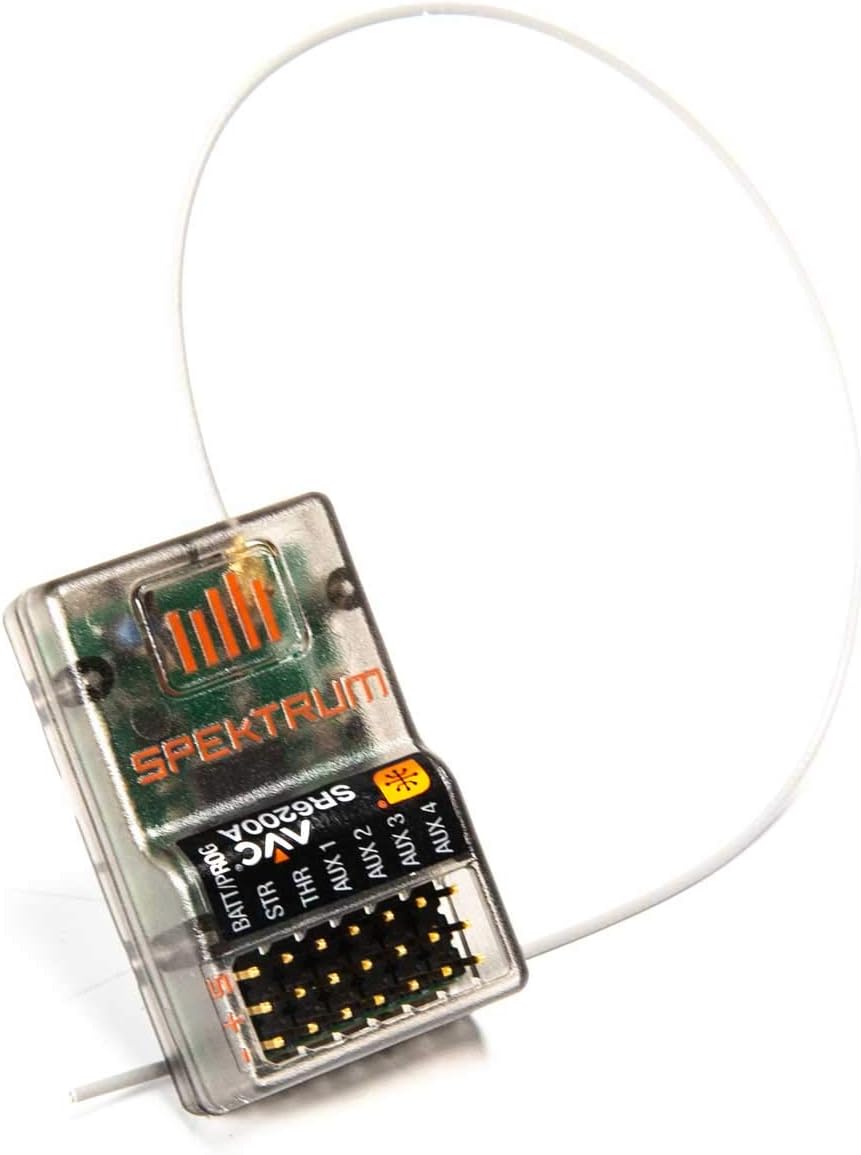
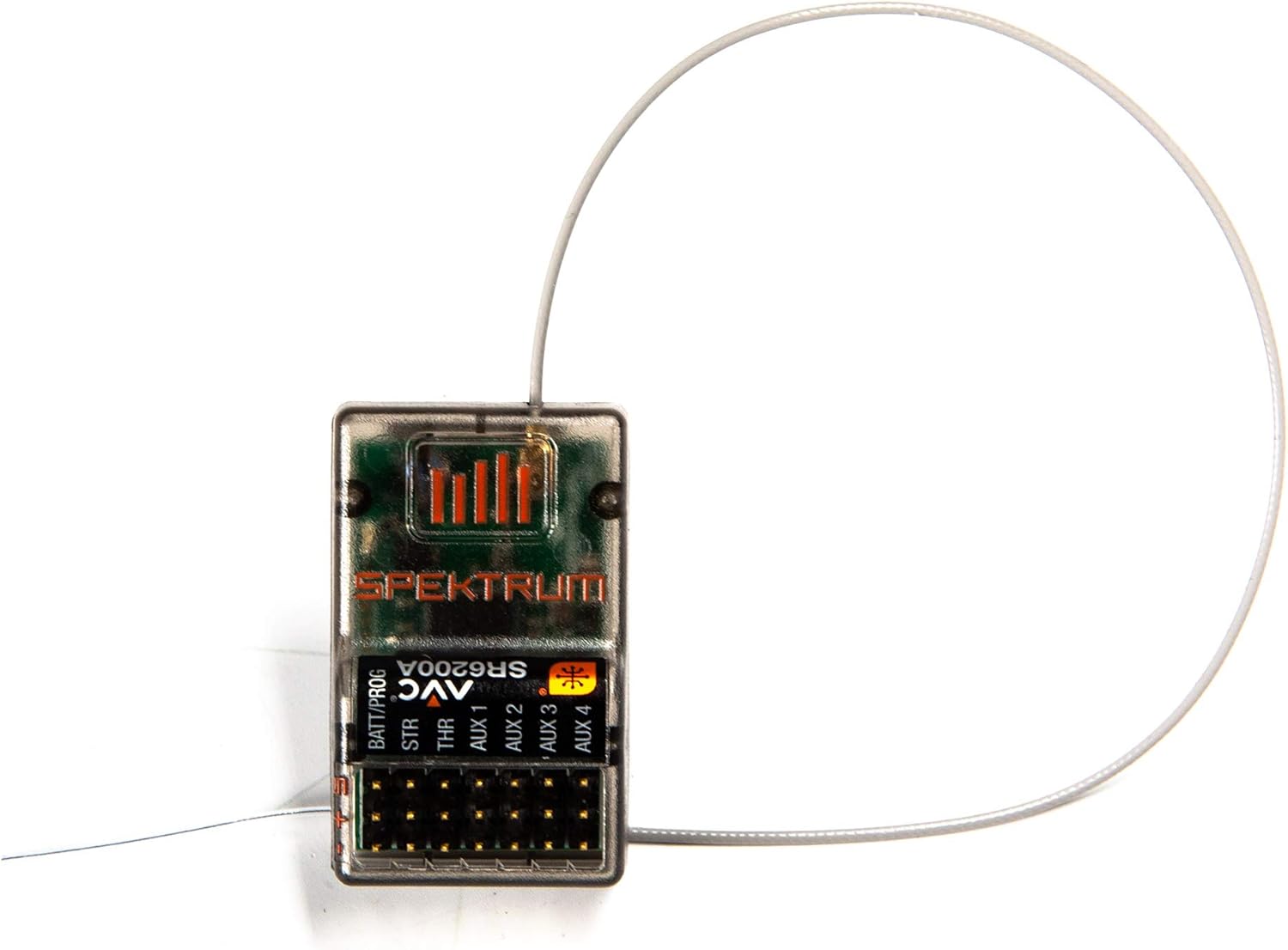
I upgraded from multiple standard Traxxas transmitters (Tx) and receiver(Rx) to one Spektrum Rugged Dx5 and this SR6200a receiver. I have completely read and re-read the instructions manuals for both about 5 or so times. Thats important. Also practice changing settings. The instruction manual for this Rx is not the best. To put it simply, if it was a math book it would show you that u′′+x(u′)2+ sinu = lnx, but it doesnt show you how 5 X 5 = 25. Now the second part is pretty basic, but basic math is pretty much universal. So if you are just getting into, or getting back into the RC world, this manual skips a lot of basic stuff. Here are the two biggest annoyances that had to be "figured out". ANNOYANCE 1 - AVC uses Aux 1 and Aux 2 channels. Rugged Dx5 transmitter = 5 Channels (yay!) AR6200a receiver = 6 channels (yay!). It also has AVC stability control (wowow!) - But if you want to use AVC stability control, then it gobbles up 2 channels (awe!) Actually, it takes up Aux1 and Aux2 (whaaat!). So all you are left with is Aux3. So for my E-Revo and Ultima Re-release, the channels are assigned as follows (1) Steering, (2) Throttle/ESC, (3) Aux1 EMPTY, (4) Aux2 EMPTY, (5) Aux3 (spare for future radio controlled lights). AVC is active and uses Aux1 and 2. Those slots are still available for onboard power, for example, lights that are always on or hard wired with an on board on/off switch. For my TRX-4, I need to turn off AVC in order to use all 5 channels ... which takes us to the other problem. How do you turn off AVC!!! Heres how: ANNOYANCE 2 - How to turn AVC off. The instructions for this are absolutely terrible, and no one except the Spektrum engineers, techs, and sponsored users (i.e. experts) find it intuitive. Remember my 5X5 analogy above? 1. Turn off Tx. 2. Turn off Vehicle, and ensure Rx is not powered. 3. Turn on Vehicle, and ensure Rx is now powered. 4. Press Rx bind button 3 times (click click click, with 1.5 seconds from the first click to the third click). You will NOT see any confirmation lights. 5. Press and hold the bind button until it starts blinking and enters Bind mode. 6. Turn on Tx. Go to Bind mode on Tx and enter process. 7. After Bind is complete, you will get blinking lights confirmation followed by solid on. 8. AVC is now off and this special Bind process does not enter into the normal calibration sequence (Throttle, Center, Brake, center, Left, Center, Right, Center, off, on sequence). Usually, when you enter in to Bind mode, it concludes the binding process with the calibration sequence, but when turning AVC off. To turn AVC back on, just power off, hold bind button, turn on, flashing lights indicate Bind mode on, go through the Bind/Calibration sequence. In fact, if you ever change a servo setting or whatever and need to rebind for whatever reason, you will have to do that, then follow up with this sequence to turn off AVC. There. That does it. If I was a youtuber I would make a video and get a bazzilion likes but im not. So if you use this just say hi to Steve. Now why the 5 stars? Its a great stable system with LOTS of adjustable settings and options. Once you figure it out, you are set. Plus its tiny and light weight, yet very, very sturdy. I will buy more for now, but in 5 years I will go made in Japan, KO Propo.