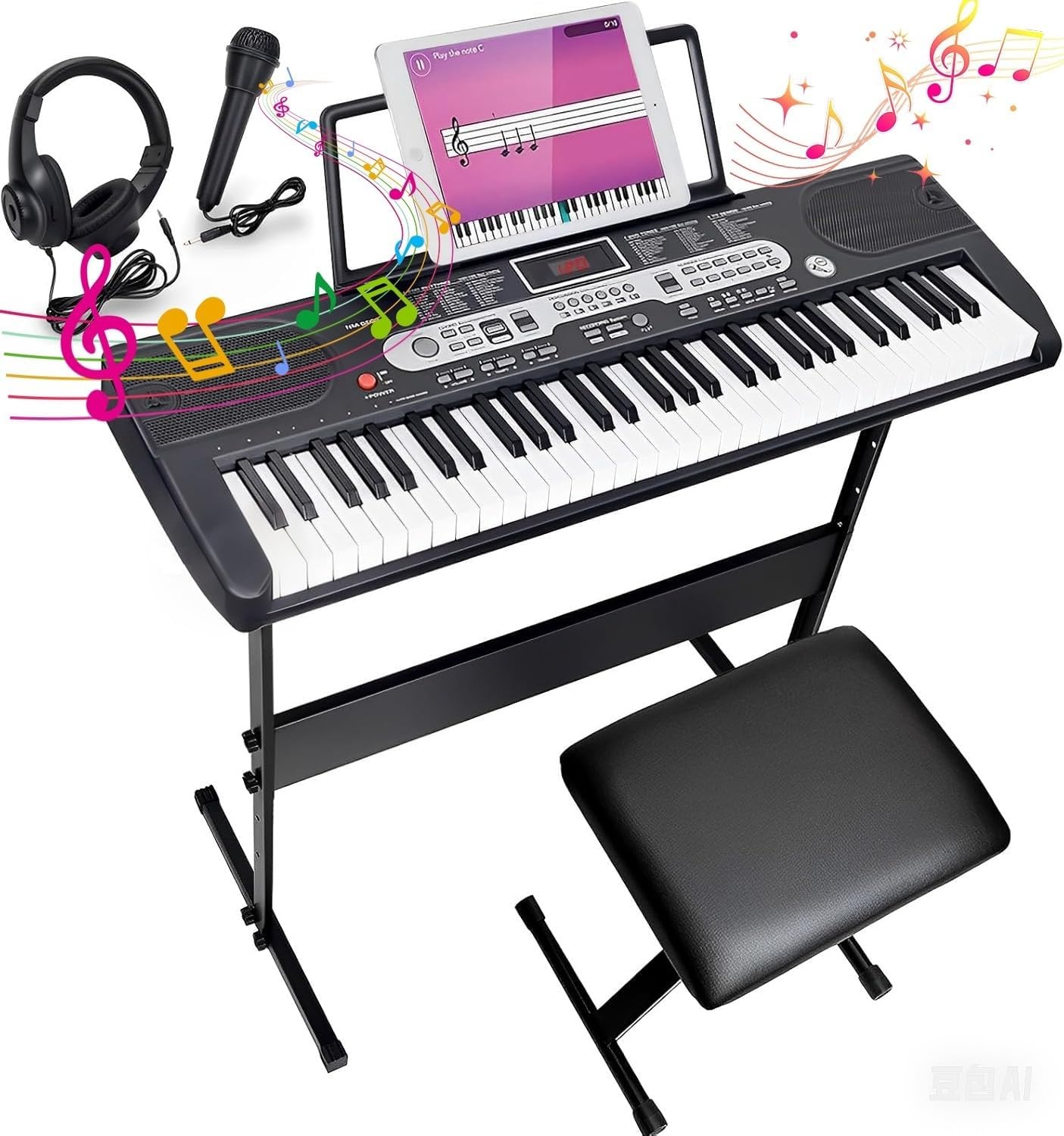
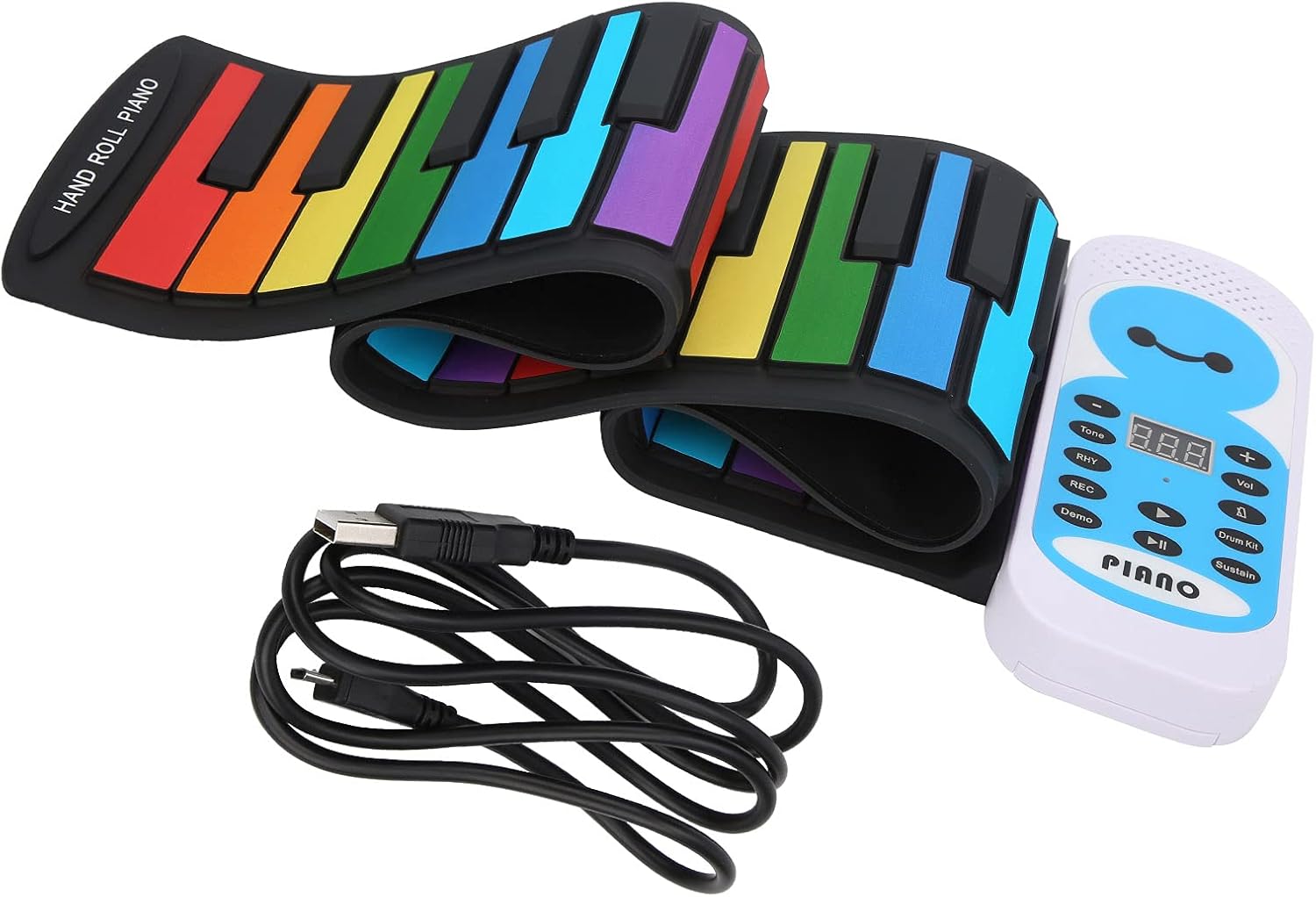
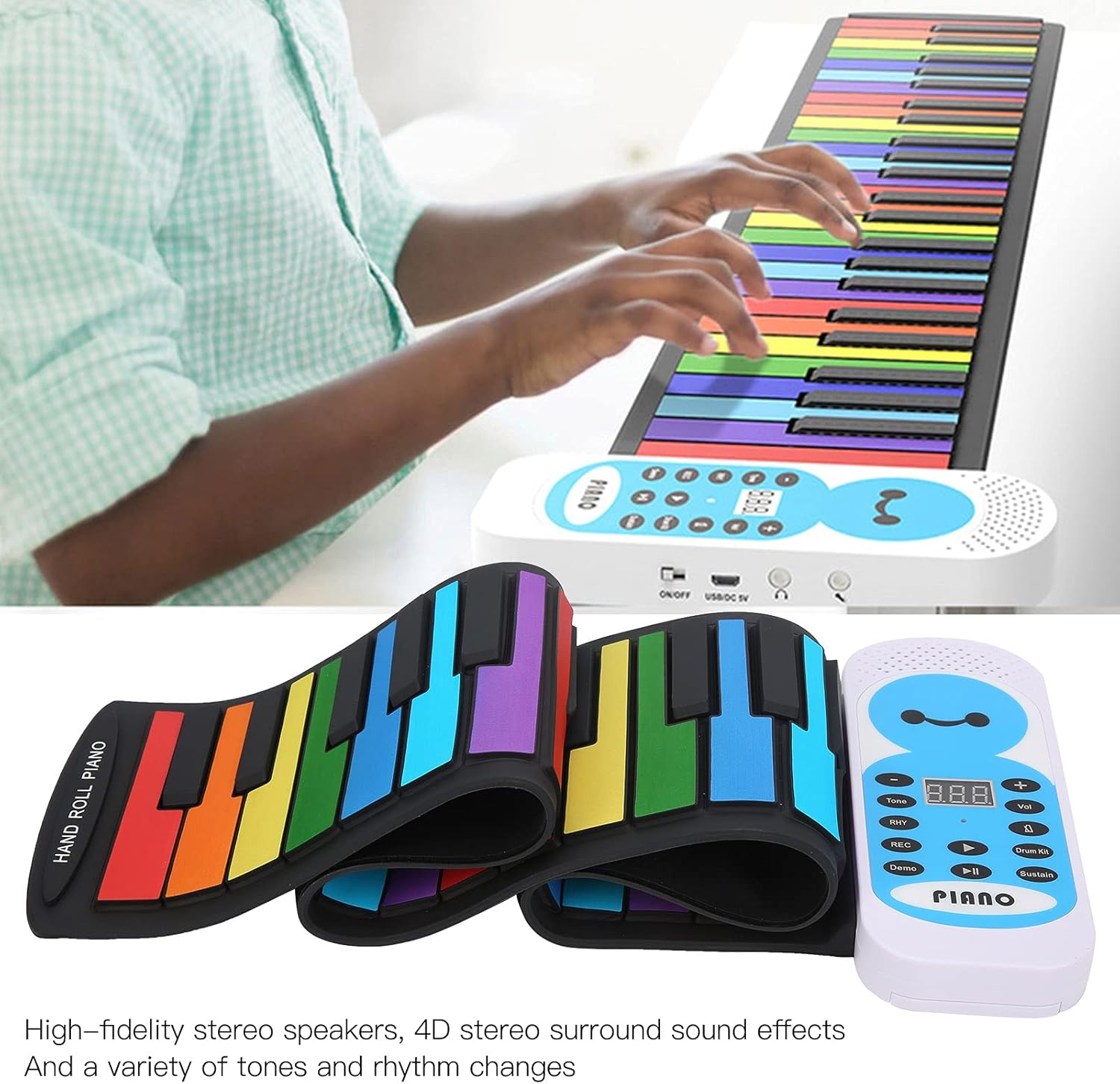
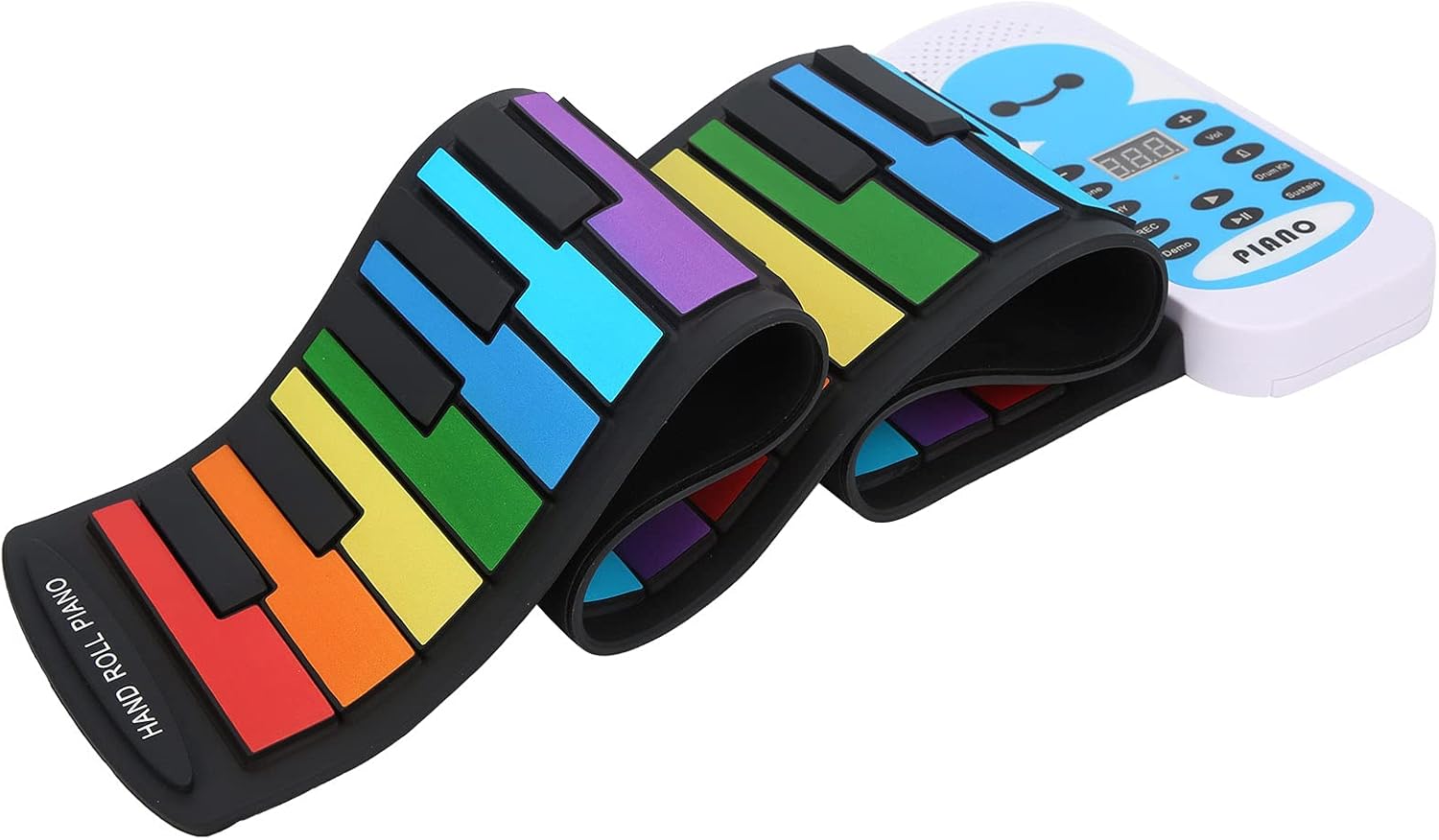
Tastiera Pianoforte Elettronico con 128 Ritmi Timbri 14 Brani Demo Funzione Registrazione Multicanale Altoparlanti Stereo 4D Jack Cuffie e Audio per Principianti e Bambini

Brand:

72.78

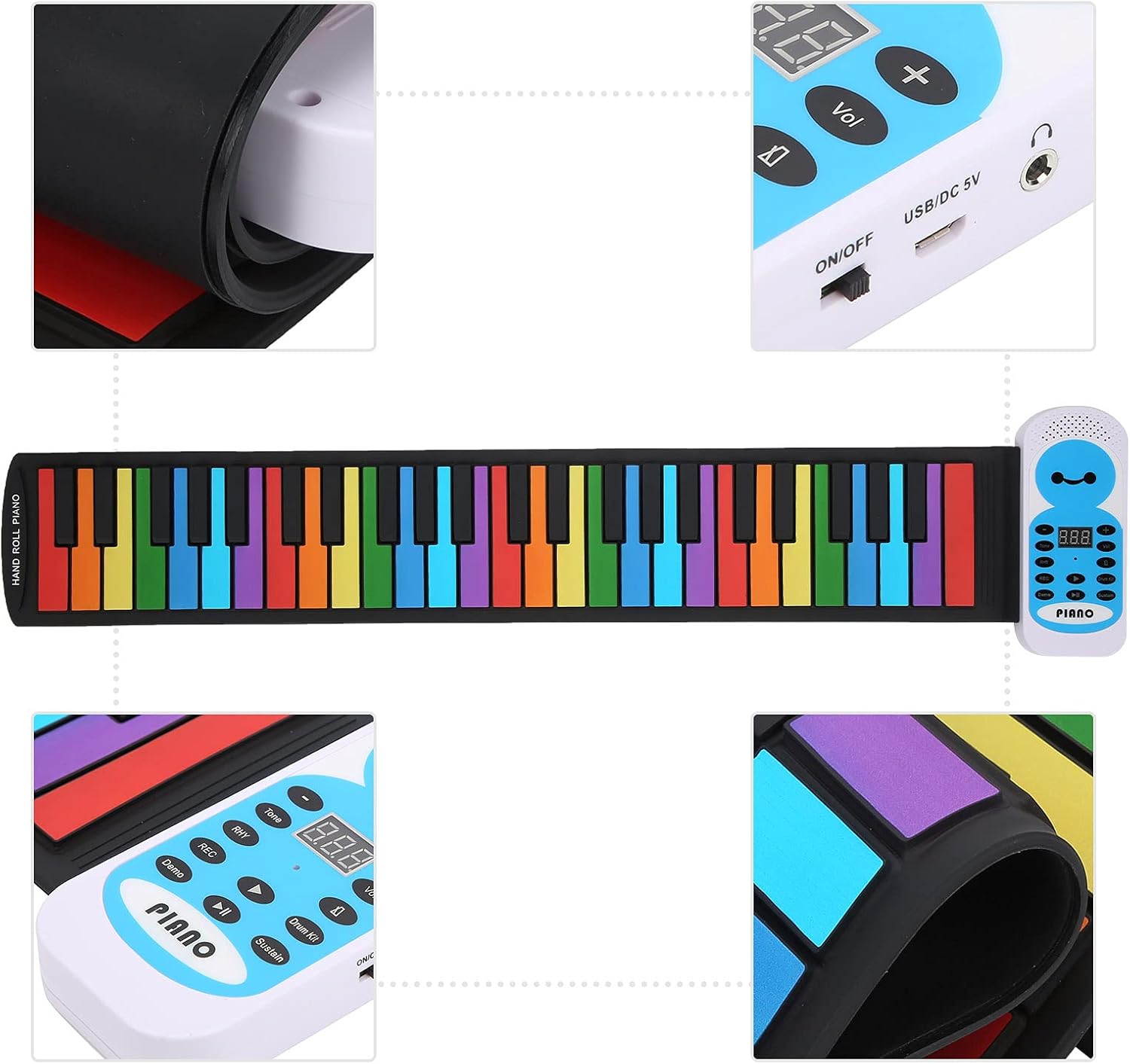
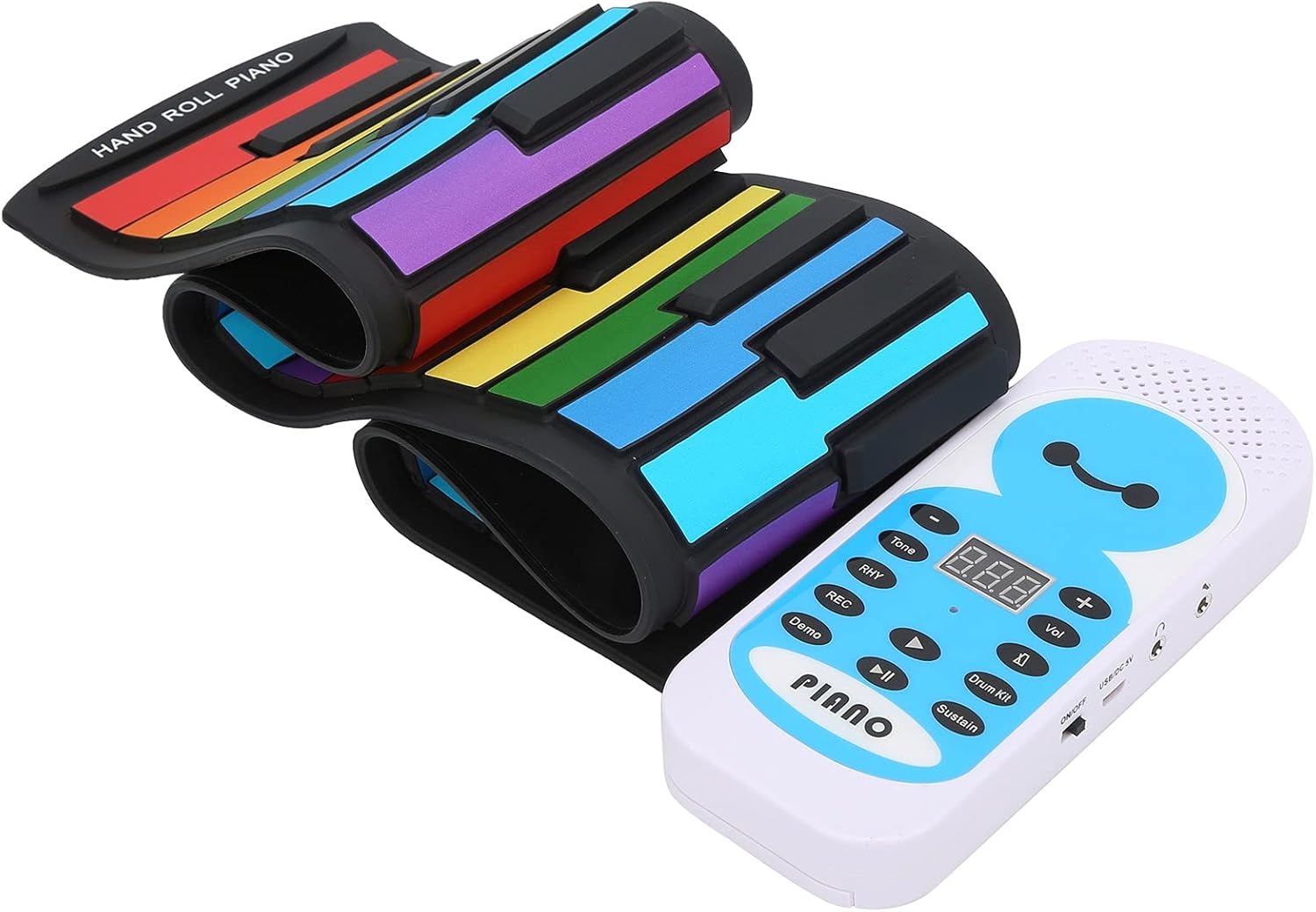
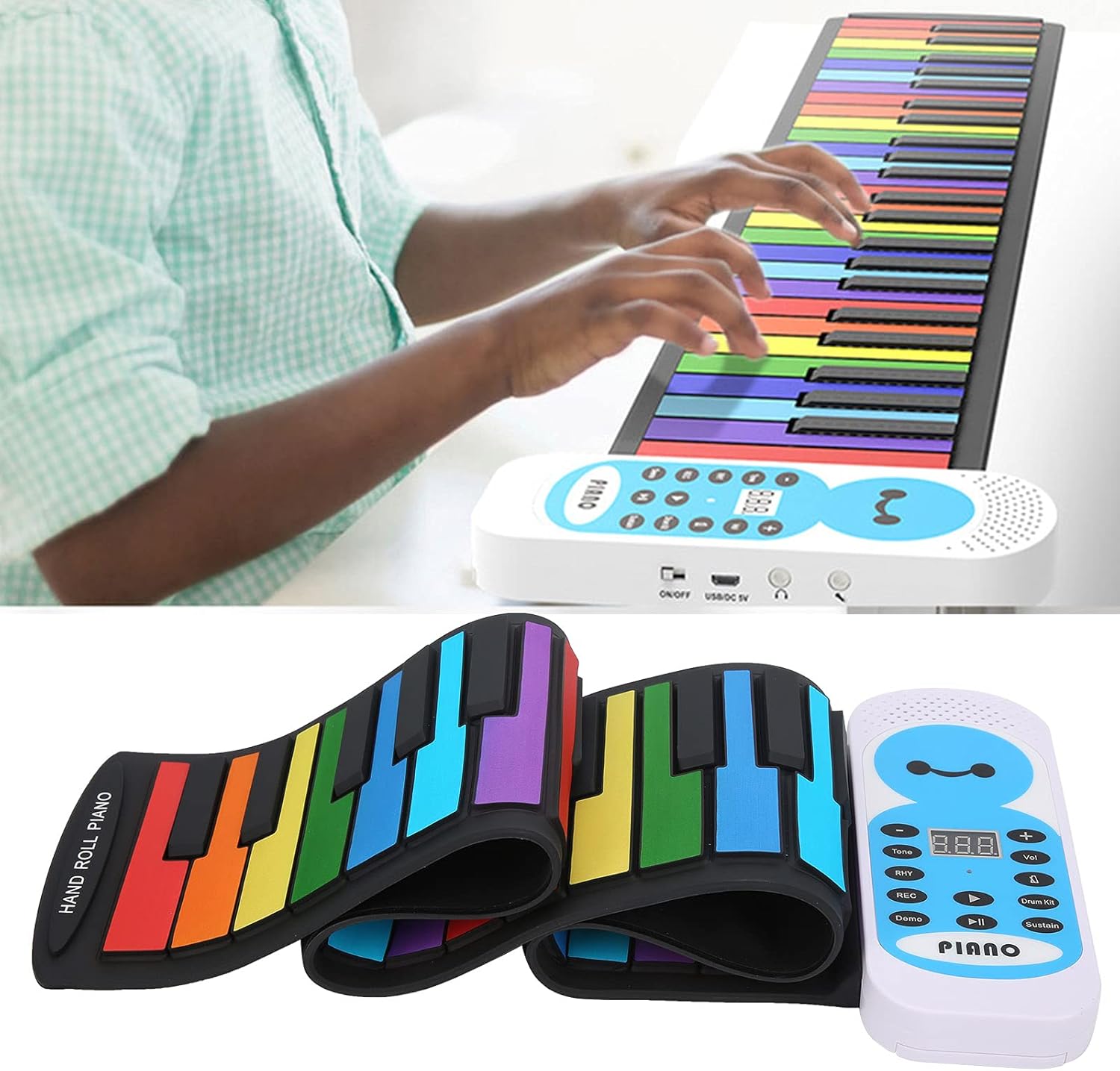
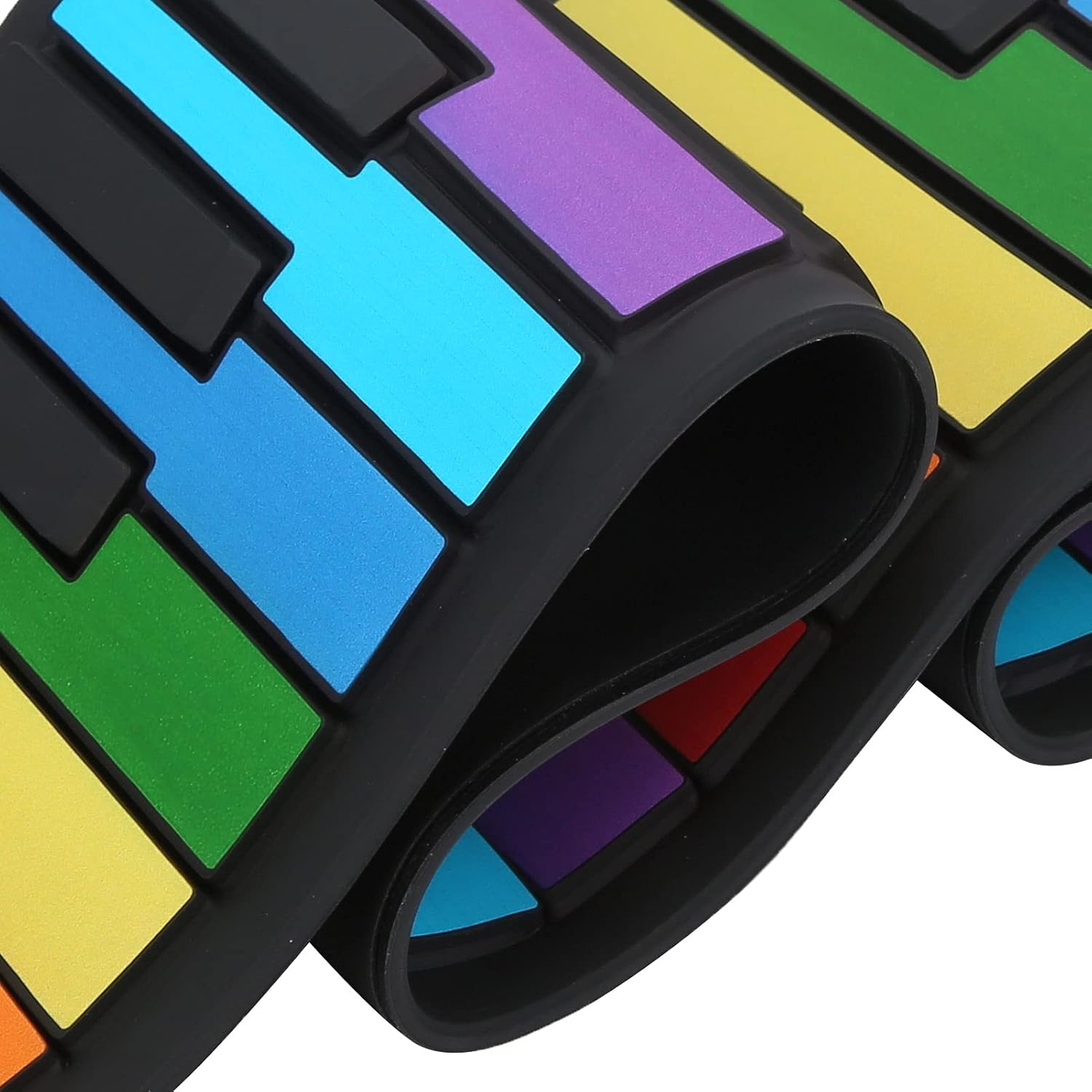
【Ricca varietà di suoni】: Include 128 ritmi e timbri integrati accessibili tramite pulsanti dedicati per personalizzare ogni esibizione con facilità e divertimento continuo. 【14 brani demo per imparare】: Possibilità di ascoltare e suonare contemporaneamente con brani demo integrati, ideale per chi inizia a imparare il pianoforte migliorando il senso musicale. 【Registrazione multicanale】: Funzione di registrazione in tempo reale per catturare ogni nota suonata senza limiti, perfetta per esercitarsi e riascoltare le proprie performance. 【Audio di alta qualità】: Altoparlanti stereo ad alta fedeltà con effetto surround 4D e bassi potenti per un'esperienza sonora coinvolgente e piacevole per bambini e principianti. 【Design pratico e confortevole】: Tasti imitazione piano con tocco realistico, jack per cuffie per esercitarsi senza disturbare e interfaccia audio per connessioni esterne, con funzione risparmio energia automatica.

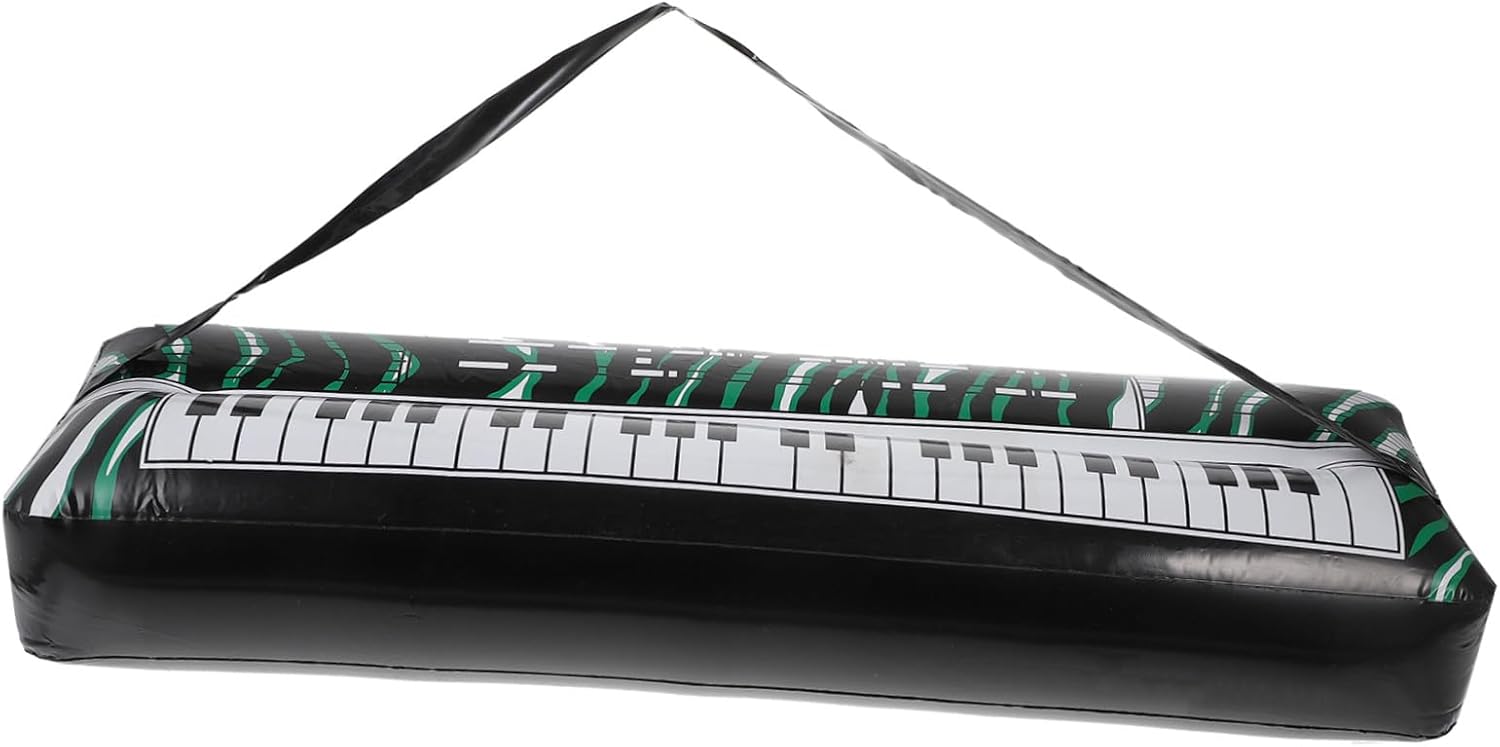
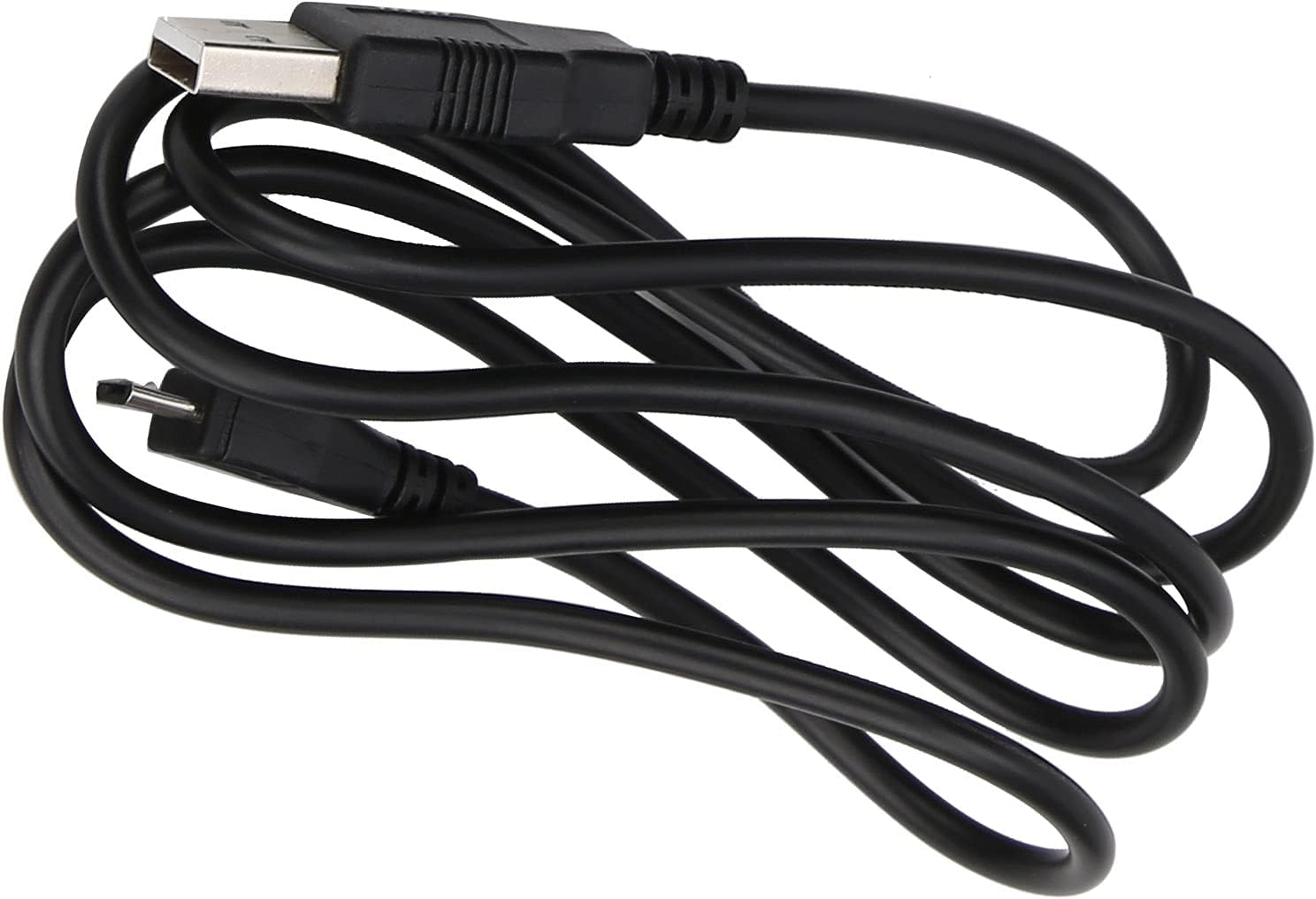
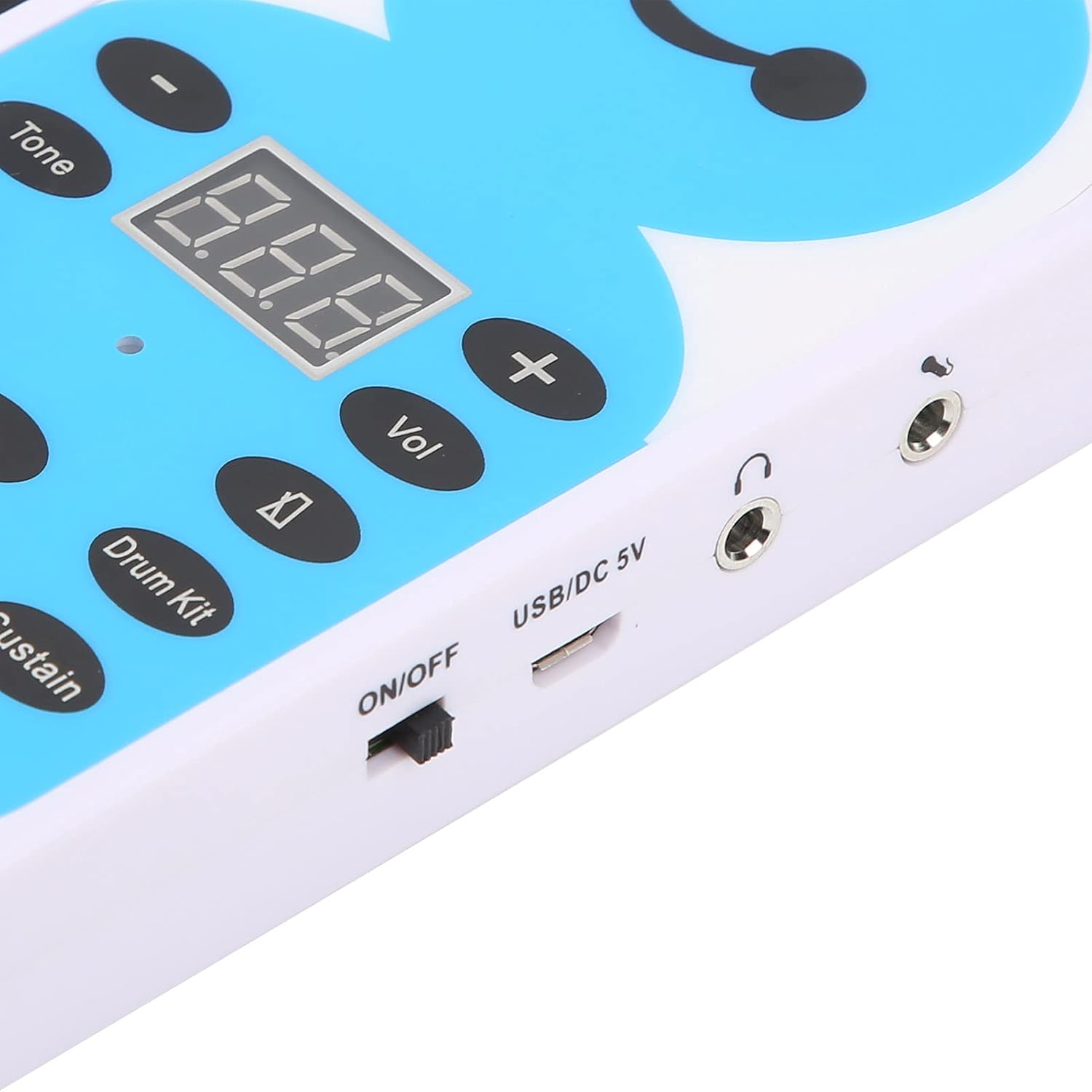
Item Type: Soft Keyboard Piano Material: silicone + ABS Color: Colorful Power Input: DC5V/1000mA Output Power: 500mW Power Supply Mode: 4 x USB external power supply/AAA battery(not include) The Main Function: LED digital display 128 tones, 128 rhythms, 14 demo songs Tone, rhythm mode selection keys Recording and playback functions Start/stop Sustain function, master volume control function Microphone input function keyboard drum sound direct selection function Headphone/sound output jack How to Use: 1. Sustain Function: Press the Sustain button and the digital screen displays SUS to turn on the sustain function. During the performance, the sound will have a sustained sound effect. Press the sustain button again when the digital screen displays OFF to turn off the percussion sound. 2. Percussion Tone Function: Press the Drum Kit key, and the digital screen displays ON, and all keys are turned into percussion tone. Press the keyboard drum button again and the digital screen displays OFF to turn off the percussion tone. 3. Metronome Function: Press the metronome pattern key to make a metronome sound, and the metronome will play at the current speed. Press Metronome again to turn off the metronome. 4. Recording Function: Press the REC button to automatically enter the recording mode, and the digital display REC. Press the button, the digital screen displays REP, which can realize the recording playback function. During the playback, press the REC button again, and the recorded notes will be refreshed automatically. After the playback is over, it will automatically return to the default state. During playback, you can choose to playback different timbres, and press || to stop playback. 5. Press the volume button and then press the +/- button to increase or decrease the sound, and the digital screen will display the corresponding volume level. The default
Dimensioni del collo ‎21 x 16 x 8 cm; 669 grammi
Numero modello articolo ‎NUMNBE1cxpmtezv6
Peso articolo ‎669 g

0

5 Star
0
4 Star
0
3 Star
0
2 Star
0
1 Star
0

Scrivi la tua recensione

La tua mail non sarà pubblicata. Tutti i campi obbligatori sono segnati con*

Prodotti correlati

Scopri il nostro network internazionale

Spediamo in 28 paesi, oltre 200.000 prodotti. Resta aggiornato, iscriviti alla newsletter.

Array